

🔑Key Takeaway
- Retailers usually have three ways to prepare for e-Invoice compliance.
- They can use MyInvois e-POS or direct MyInvois entry, build a custom API connection, or use middleware such as JomeInvoice.
- For very low-volume businesses, MyInvois direct entry may be enough. For large enterprises with internal engineering resources, custom API or SFTP can make sense. For most retail SMEs and multi-outlet businesses, middleware is the practical middle ground.
- JomeInvoice lets retailers in Malaysia keep their current POS system, use native integrations where available, upload CSV files where POS integration is not available, and manage MyInvois submission from one dashboard.
Introduction
Retail businesses need to choose the right e-Invoice setup before transaction volume creates pressure.
A sole proprietor with a few invoices a month has different needs from a boutique, café, minimart, department store, or multi-outlet retail chain.
The wrong setup creates cost in different ways.
A free manual workflow may cost too much staff time. A custom API may cost too much to build and maintain. Replacing a working POS system may disrupt daily store operations.
The better question is not, “Which option has the most features?”
The better question is, “Which setup fits our transaction volume, POS system, finance process, and maintenance capacity?”
This article compares MyInvois e-POS vs POS e-Invoice integration for retail businesses. It also explains when to use MyInvois e-POS or direct MyInvois entry, when LHDN MyInvois API integration makes sense, and when JomeInvoice middleware is the better fit.
Option 1: Use MyInvois e-POS or Direct MyInvois Entry
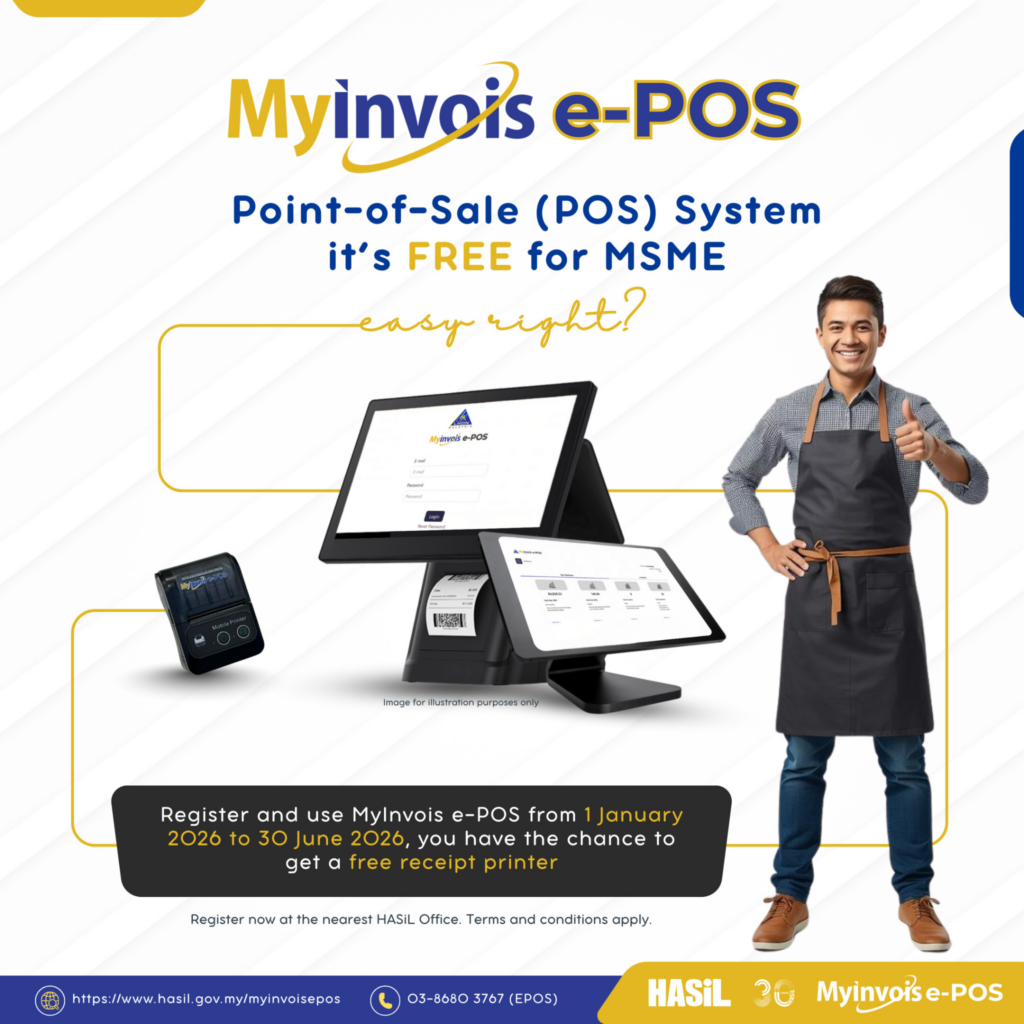
The first option is to use MyInvois e-POS or direct MyInvois entry.
This route is free and government-run. It can work for very low-volume businesses that do not mind manual entry or a basic government-provided POS workflow.
It is usually suitable for:
- Sole proprietors
- Micro retailers
- Businesses with fewer than 50 transactions per month
- Businesses with simple invoice needs
- Businesses that do not need POS integration yet
For these users, manual entry may be acceptable.
The setup cost is low. There is no middleware subscription. The business can start with MyInvois e-POS or direct MyInvois entry if volume is small enough.
Where MyInvois Direct Entry Starts to Break Down
Manual entry becomes difficult when retail volume grows.
Retailers should review this carefully because “free” does not always mean low-cost in daily operations.
Manual entry can become a problem when the business has:
- More than 50 transactions a month
- Daily walk-in receipts
- B2C consolidated e-Invoices
- B2B named-buyer invoices
- Multiple outlets
- Customer e-Invoice requests
- Finance review requirements
- Store staff who should not be doing invoice admin
For a growing retail shop, manual entry creates time cost.
It also increases the risk of typing errors, late submissions, missing buyer details, and harder month-end checking.
Use MyInvois e-POS or direct MyInvois entry when transaction volume is very low. Move to a more structured workflow when volume or complexity increases.
Option 2: Build LHDN MyInvois API Integration
The second option is custom API integration.
This means the business builds a direct technical connection between its internal system and the e-Invoice submission workflow.
LHDN MyInvois API integration can work for enterprises with internal IT teams, complex systems, and the budget to maintain the integration.
It may suit businesses with:
- High transaction volume
- Internal development teams
- Existing ERP or middleware systems
- Strict internal architecture requirements
- Custom approval flows
- Complex data routing needs
- Multi-entity structures
The main advantage is control.
The business can design the integration around its own system architecture.
The Real Cost of Custom API Integration
Custom API integration is not only a one-time build.
The business also needs to manage:
- System design
- Development cost
- Testing and deployment
- Security controls
- API monitoring
- Error handling
- LHDN specification changes
- Future maintenance
- Internal engineering ownership
For many retail SMEs, this is heavier than needed.
Custom API work can become expensive to build and maintain in-house. For most retail SMEs, a plug-and-play route or CSV path is usually sufficient.
JomeInvoice can support enterprise API or SFTP on request through the sales team. This route is useful for larger businesses that need more control, but it is not the default starting point for most retailers.
The self-serve Developer module is publicly marked as coming soon in the Product Guide. Treat it as a future option, not a current self-serve path.
Option 3: Use Retail e-Invoice Middleware Like JomeInvoice
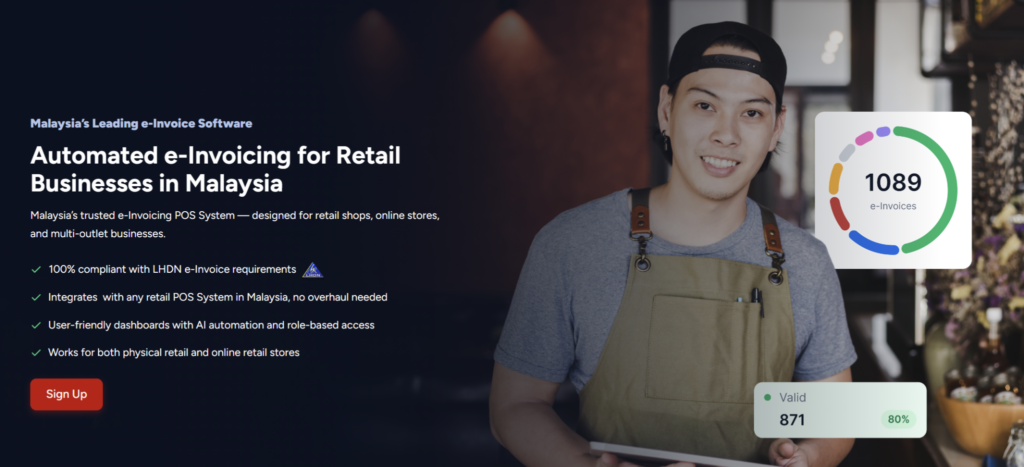
The third option is Retail POS System e-Invoice middleware.
Middleware sits between the retailer’s POS system and MyInvois.
The POS system records the sale. JomeInvoice receives the transaction data, prepares the e-Invoice, supports validation, handles consolidated workflows where applicable, and submits records to MyInvois.
This creates a middle route.
It is not as manual as a direct MyInvois entry. It is not as costly or technical as building a custom API from scratch.
This makes JomeInvoice a practical choice for retailers that need MyInvois POS integration, POS e-Invoice integration, or e-Invoicing software support without changing their whole system.
How JomeInvoice Retail POS System e-Invoice Middleware Works
JomeInvoice supports several routes into the e-Invoice workflow.
For native integrations, supported POS systems and platforms can connect directly.
The Integration module connects to apps such as POS systems, with listed integrations including Shopify, Loyverse, Salesplay, and WooCommerce. JomeInvoice also supports a broader native integration list across 9 systems:
- Loyverse
- SalesPlay
- Smart Cashier POS
- Shopify
- WooCommerce
- Cloudbeds
- Techsoft
- JurifytePro
- Baiwang Cloud
For unsupported POS systems, retailers can use CSV upload instead of replacing their POS.
This applies to local or legacy systems such as:
- StoreHub POS
- AutoCount POS
- SQL POS
- Xilnex
- IRS POS
- Other POS systems that export sales data
For enterprise clients, API or SFTP integration is available on request. Pricing is quoted case by case.
Why JomeInvoice Is the Practical Middle Option for Retail e-Invoicing
JomeInvoice is useful because it sits between two extremes.
It avoids the manual workload of MyInvois direct entry for retailers with growing volume.
It also avoids the cost and maintenance burden of building a full custom API integration in-house.
For retail businesses in Malaysia, this matters because the finance team needs accuracy, but the store team needs speed.
JomeInvoice gives retailers:
- Native POS integration where supported
- CSV upload fallback where POS integration is not available
- Consolidated and non-consolidated workflows
- Dashboard status visibility
- Error handling and resubmission workflow
- Plan options starting from RM 30/month
- Enterprise API/SFTP on request for larger needs
For retailers comparing the best e-Invoicing for Retail software, this makes the setup more flexible than manual entry and less heavy than custom development.
Need Help Choosing Between MyInvois e-POS and POS Integration?
Choosing the wrong setup can create avoidable admin costs.

MyInvois e-POS vs POS e-Invoice Integration: Quick Comparison
Retailers can use this table to compare the main options.
| Setup option | Best for | Main advantage | Main limitation |
| MyInvois e-POS or direct MyInvois entry | Sole proprietors and micro retailers under around 50 transactions per month | Free and government-run | Manual work or a basic POS workflow may not scale well |
| Custom API integration | Large enterprises with internal IT teams | More technical control | Expensive build, testing, and maintenance |
| JomeInvoice middleware for Retail e-Invoicing | Retail SMEs, multi-outlet retailers, and finance teams that need automation without POS replacement | Practical middle ground with native integration and CSV fallback | Subscription required, and custom API/SFTP quoted case by case |
The right setup depends on transaction volume, cost, setup time, maintenance ownership, and POS compatibility.
Retail Business Size Perspective: Which e-Invoice Setup Fits Your Retail Shop?
Use this matrix to choose the most suitable path.
| Business size | Monthly volume | Recommended setup | Why it fits |
| Sole proprietor or micro retailer | Fewer than 50 transactions/month | MyInvois e-POS or direct MyInvois entry, or JomeInvoice Starter if peace of mind matters | Manual handling may still be manageable at this volume |
| Small retailer or single outlet | 50 to 500 transactions/month | JomeInvoice Starter at RM 30/month with CSV upload or 1 native integration | Lower-barrier path without POS replacement |
| Multi-outlet retailer | 500 to 5,000 transactions/month | JomeInvoice Basic at RM 50/month or Pro at RM 150/month, depending on integrations | More capacity and integration support for growing volume |
| Large enterprise or chain | More than 5,000 transactions/month | JomeInvoice Pro plus enterprise API/SFTP on request | Better fit for high volume, custom systems, and more complex workflows |
This structure gives retailers a practical starting point.
Start with the simplest setup that fits the business today. Upgrade when transaction volume, outlets, or integration needs increase.
Five Factors Retailers Should Compare
Retailers should not choose based on monthly fee alone.
They should compare five factors.
1. Transaction Volume
Volume is the first filter.
MyInvois e-POS or direct MyInvois entry may work for very low-volume businesses. It becomes impractical as receipt volume increases.
A business with fewer than 50 transactions per month can still consider direct entry.
A business with 50 to 500 transactions per month should consider JomeInvoice Starter with CSV upload or 1 native integration.
A business with 500 to 5,000 transactions per month should consider Basic or Pro.
A business with more than 5,000 transactions per month should discuss Pro plus enterprise API/SFTP.
2. Cost
Cost has two parts.
There is the direct software cost. There is also the internal labour cost.
- MyInvois e-POS or direct MyInvois entry is free, but manual time increases as transaction volume grows.
- JomeInvoice starts from RM 30/month for Starter, RM 50/month for Basic, and RM 150/month for Pro.
- Custom API integration can require significant build cost, internal technical ownership, and ongoing maintenance.
For retail SMEs, middleware is often the more cost-effective route because it reduces manual work without requiring a full custom build.
3. e-Invoicing Software Setup Time
Setup speed matters because e-Invoice readiness affects daily operations.
MyInvois e-POS or direct MyInvois use mainly requires account setup and manual process training.
JomeInvoice is positioned as a plug-and-play option, with setup in about 10 minutes for suitable workflows based on the JomeInvoice input.
Custom API integration usually takes weeks to months because it requires system design, testing, security review, and deployment.
4. e-Invoice System Maintenance
Maintenance is often underestimated.
When specifications change, the business needs a way to keep the workflow updated.
MyInvois e-POS and direct MyInvois workflows are maintained by LHDN.
JomeInvoice maintains the LHDN integration layer for its users, reducing engineering overhead for the business.
Important: Custom API integration requires in-house engineering ownership. That means the business must monitor and update the integration when requirements change.
5. POS Compatibility
POS compatibility decides how transaction data will move.
JomeInvoice supports native integrations with 9 systems and CSV fallback for unsupported POS systems.
If a retailer uses a supported system, native integration is the cleaner route.
If a retailer uses a local or legacy system, CSV upload may be enough.
If a large enterprise has custom systems, API or SFTP can be discussed with the JomeInvoice team.
Retail POS System e-Invoicing Plan and Setup Comparison
Retailers can also compare setup options by cost, timing, and maintenance.
| Criteria | MyInvois e-POS or direct MyInvois entry | JomeInvoice middleware | Custom API integration |
| Direct cost | Free | Starts from RM 30/month | Quoted by developer or internal project scope |
| Best volume fit | Under 50 transactions/month | 50 to 5,000+ transactions/month, depending on plan and setup | Usually high-volume enterprise use |
| Setup time | Account setup only | About 10 minutes for suitable workflows | Weeks to months |
| Manual work | High as volume grows | Lower with native integration or structured CSV upload | Low after build, but requires technical maintenance |
| POS compatibility | Manual process | 9 native integrations plus CSV fallback | Can be built for custom systems |
| Maintenance owner | LHDN | JomeInvoice maintains the integration layer | Business or appointed developer |
This table gives finance and IT teams a clearer build-vs-buy view.
JomeInvoice Cost- Effective Plans for Retail e-Invoice Setup
JomeInvoice offers self-serve SME plans and guided setup options.
| Plan | Monthly | Annual | Integrations | e-Invoices per month | Best fit |
| Starter | RM 30/month | RM 360/year | 1 | 100 | Small retailers, single outlet shops, or CSV upload users |
| Basic | RM 50/month | RM 600/year | 2 | 1,000 | Growing SMEs with higher monthly e-Invoice volume |
| Pro | RM 150/month | RM 1,800/year | 4 | 5,000 | Multi-outlet retailers or businesses needing more integrations |
| Expert Guided Setup | RM 1,000 one-time | Not applicable | Not applicable | Not applicable | Businesses that want hands-on onboarding by the JomeInvoice team |
Check out our Subscribe Plan workflow. Users can select a plan, apply a promo code where available, continue to payment, add a payment method, and see the workspace updated after successful payment.
JomeInvoice also offers a 30-day trial at RM 2 for Starter or Basic SME e-Invoicing plans. The trial can be cancelled anytime.
e-Invoicing Deadline Rules Retailers Should Consider
The right setup should help teams meet submission deadlines. The official e-Invoice deadlines include:
- Non-consolidated e-Invoice: within 3 days after transaction date
- Consolidated e-Invoice: within 7 days after month-end
- Self-billed e-Invoice for import goods: by end of the second month after customs clearance
- Self-billed e-Invoice for import services: by end of the following month after payment to the foreign supplier or receipt of their invoice, whichever comes first
- Foreign income e-Invoice: by end of the following month after receiving the foreign income
For retail businesses, the most common operational deadlines are usually non-consolidated and consolidated e-Invoices.
A setup that relies heavily on manual entry may create pressure near these deadlines.
A setup with POS integration, CSV upload, and dashboard tracking helps finance teams prepare earlier.
Real Retail Business Proof Points With JomeInvoice in Malaysia
JomeInvoice is used by more than 2,000 Malaysian businesses, including retailers, distributors, loyalty operators, and enterprise groups.
For retail, brands such as SOGO (K.L) Department Store, Avenue K Shopping Mall, and MiX Metro show that JomeInvoice supports store-based and multi-outlet operations.
For larger or more complex businesses, names such as TP-Link Distribution Malaysia, BonusLink, Canon, Mal-Autonics Sensor, and Hyundai Elevator show that the same middleware model can support higher-volume and multi-entity workflows.
Book a Demo and Choose the Right e-Invoicing Setup for Your Retail Shop
Ready to make your retail business LHDN-compliant without changing your entire system?
FAQ About MyInvois e-POS vs POS e-Invoice Integration
What is the difference between MyInvois e-POS vs POS e-Invoice integration?
MyInvois e-POS refers to LHDN’s free POS system software or free government-run route. POS e-Invoice integration connects retail transaction data from a POS system into an e-Invoice workflow for preparation, validation, and submission.
What is MyInvois POS integration?
MyInvois POS integration refers to connecting POS transaction data to an e-Invoice workflow that supports MyInvois submission. With JomeInvoice, this can happen through native integration, CSV upload, or enterprise API/SFTP on request.
Is MyInvois e-POS enough for small retailers?
It can be enough for very low-volume businesses, such as micro retailers with fewer than 50 transactions per month. Once volume grows, manual handling or a basic POS workflow becomes harder to manage.
Is LHDN MyInvois API integration necessary for SMEs?
Most retail SMEs do not need to start with LHDN MyInvois API integration. CSV upload or native integration through JomeInvoice is usually sufficient. Enterprise API/SFTP is available on request for larger or more complex businesses.
Does JomeInvoice replace MyInvois?
No. JomeInvoice acts as middleware. It helps prepare, validate, and submit e-Invoices to MyInvois while giving the business a more practical workflow.
Does JomeInvoice require POS replacement?
No. Retailers can keep their existing POS system. Supported systems can use native integration, while unsupported systems can use CSV upload.
What POS systems does JomeInvoice support?
JomeInvoice supports native integrations with Loyverse, SalesPlay, Smart Cashier POS, Shopify, WooCommerce, Cloudbeds, Techsoft, JurifytePro, and Baiwang Cloud.
What if my POS system is StoreHub, AutoCount POS, SQL POS, Xilnex, or IRS POS?
Retailers using these systems can use CSV upload. They export sales data from the POS system and upload it into JomeInvoice without replacing the POS.
How much does JomeInvoice start from?
JomeInvoice starts from RM 30/month for Starter. Basic is RM 50/month, Pro is RM 150/month, and Expert Guided Setup is RM 1,000 one-time.
What is the best setup for a multi-outlet retailer?
A multi-outlet retailer with 500 to 5,000 transactions per month should usually consider JomeInvoice Basic or Pro, depending on the number of integrations and monthly e-Invoice volume.
What setup should a large enterprise choose?
A large enterprise or chain with more than 5,000 transactions per month should consider JomeInvoice Pro plus enterprise API/SFTP on request.