Essential Features for Modern SalesPay POS
e-Invoicing Solution
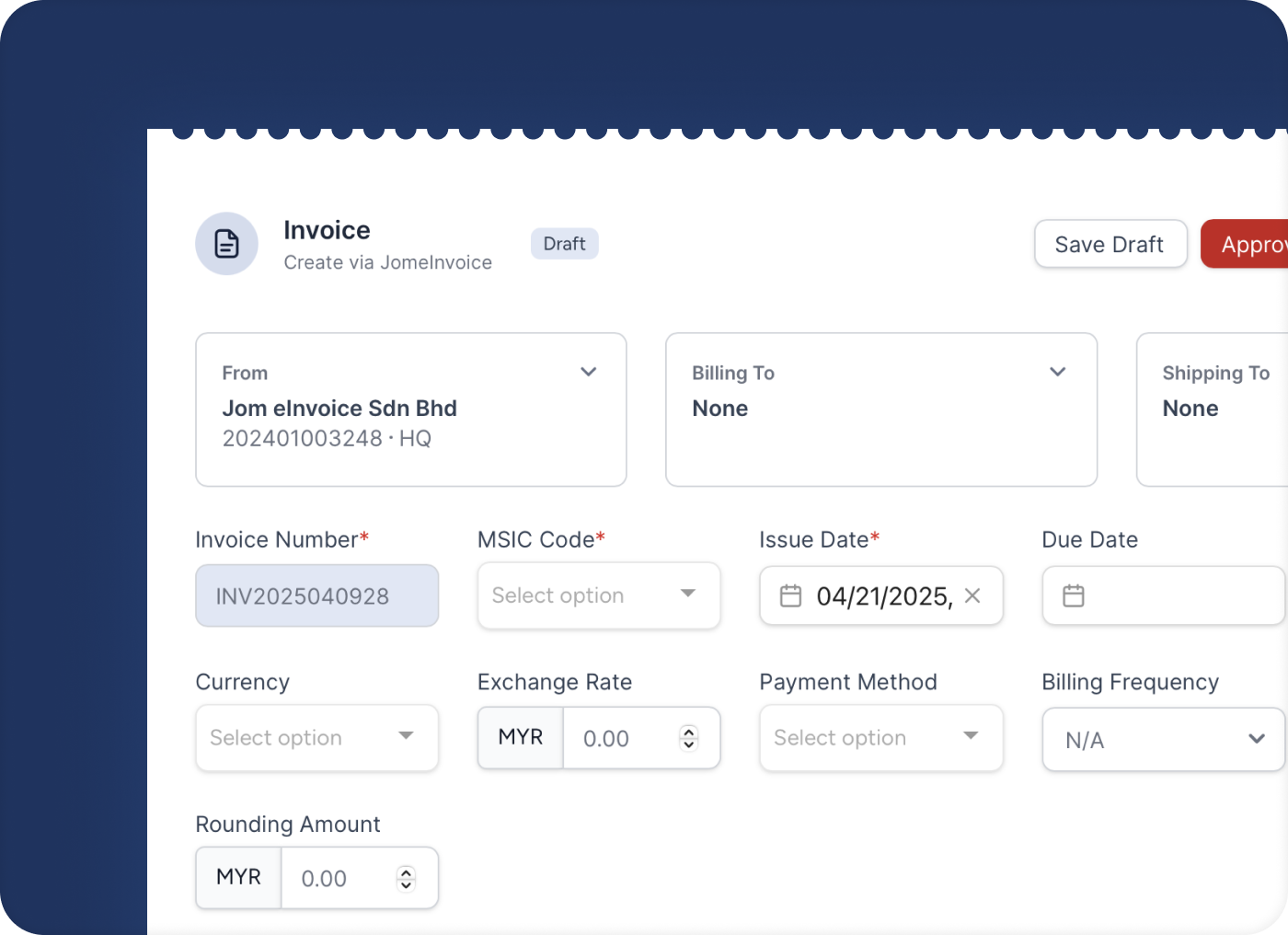
Instant e-invoices without manual entry
Automatically generate compliant invoices from your SalesPay transactions.
100% LHDN Compliant & Always Updated
Stay current with SalesPay, JomeInvoice ensures your e-invoices are always LHDN-compliant and aligned with Malaysia’s evolving regulations.
Create Credit Notes & Refund Notes Easily
Process returns and adjustments directly from the SalesPay with built-in e-invoice integration. Credit and refund notes sync automatically with your SalesPay POS e-invoicing software, ensuring accurate records and LHDN-compliant e-invoices.
Let customers request their own e-Invoices
Eliminating the need to train staff or handle manual requests.
Works on phone, tablet or PC
Generate and review invoices anywhere, even on the go, from any device.
Integrate with your accounting system
Link with leading platforms like AutoCount, SQL, Xero, QuickBooks, and Sage. Share soft copies directly with your accountant and cut costs by reducing manual document handling and external service fees.
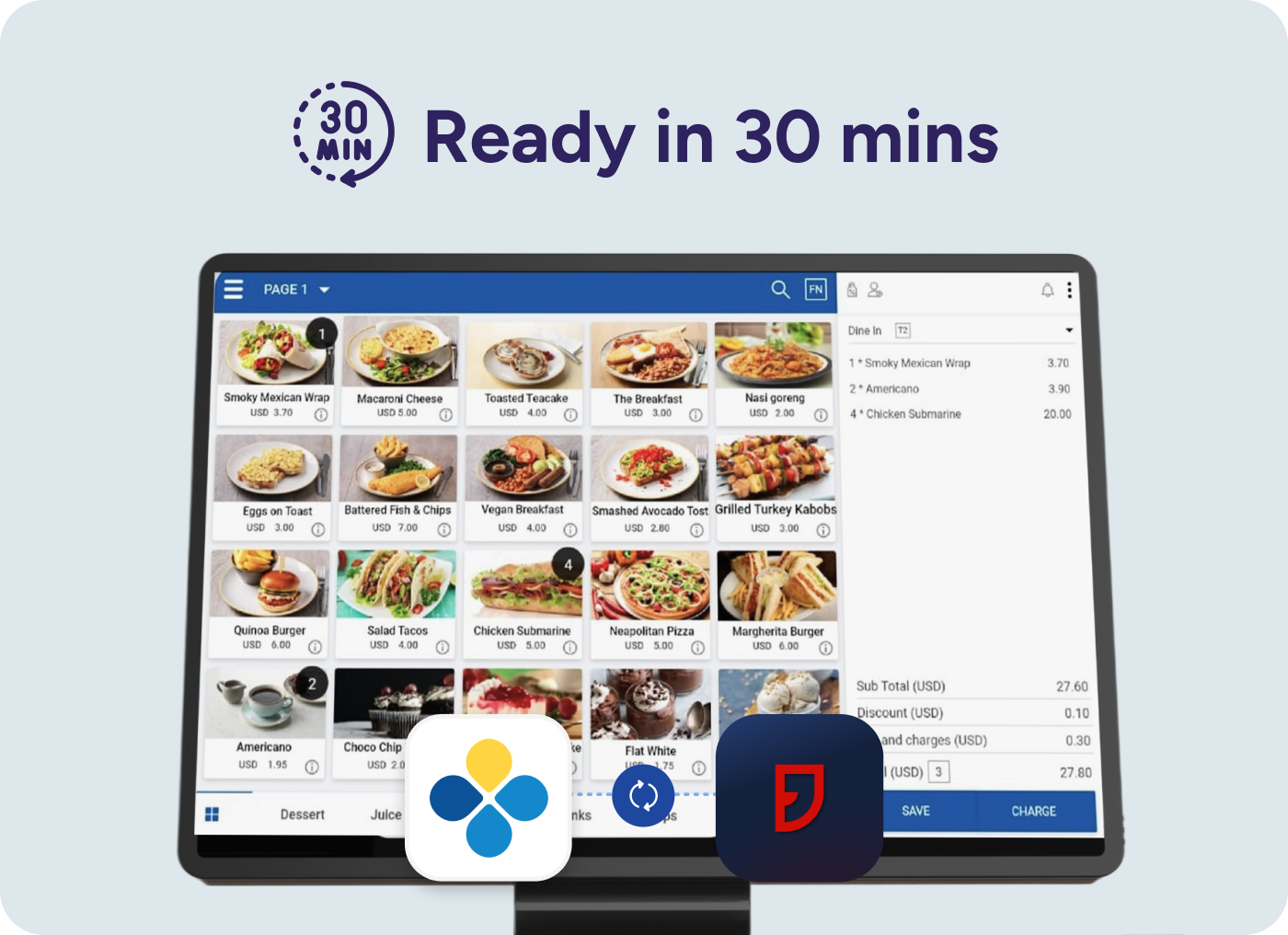
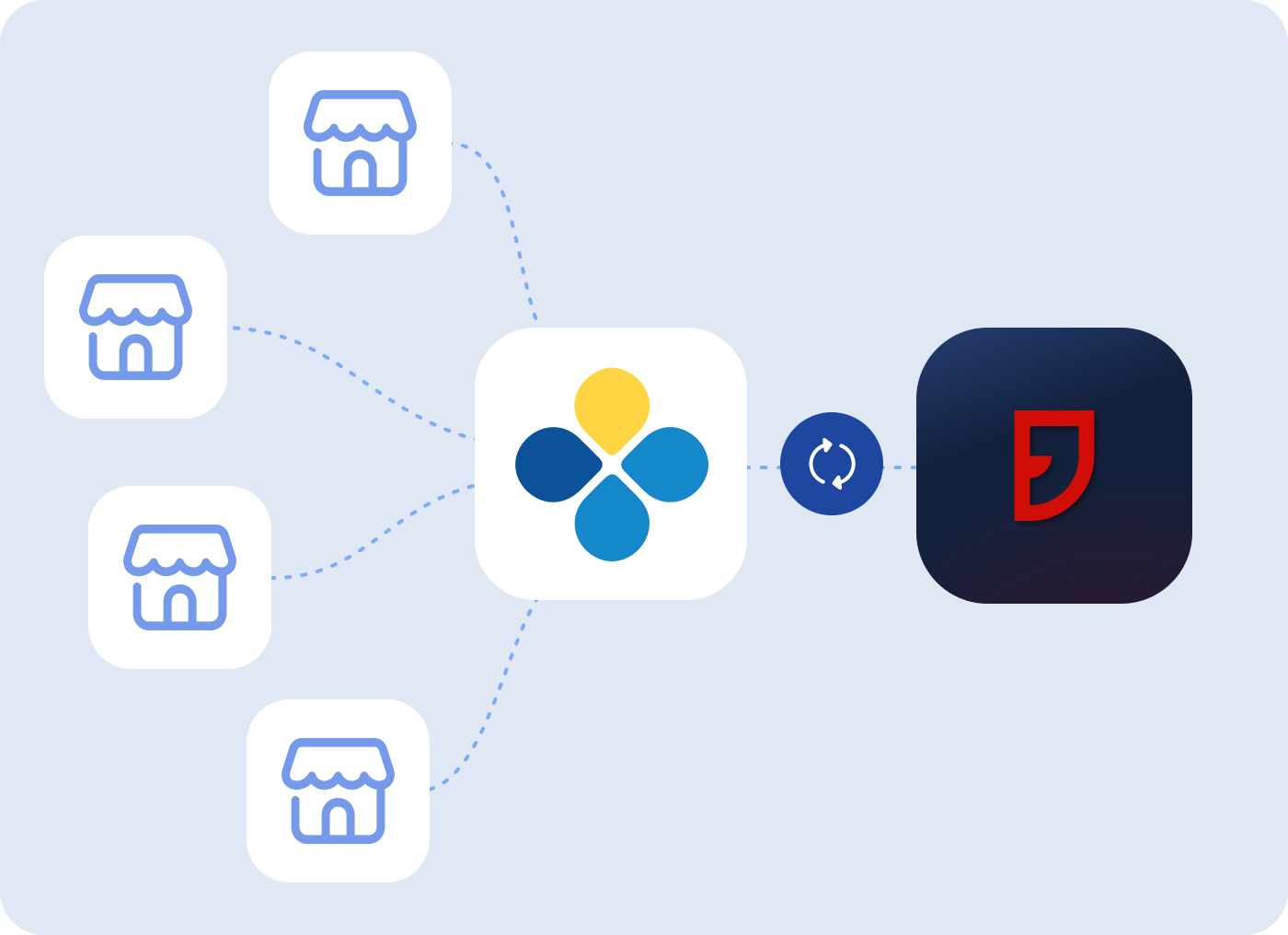
SalesPlay POS e-Invoice integration connects your SalesPlay POS system with JomeInvoice to automatically generate and submit LHDN-compliant e-Invoices in Malaysia—without manual data entry or login to the LHDN portal.
Yes. JomeInvoice’s SalesPlay POS e-Invoicing solution is 100% compliant with LHDN e-Invoice requirements and is continuously updated to reflect the latest Malaysia e-Invoicing regulations.
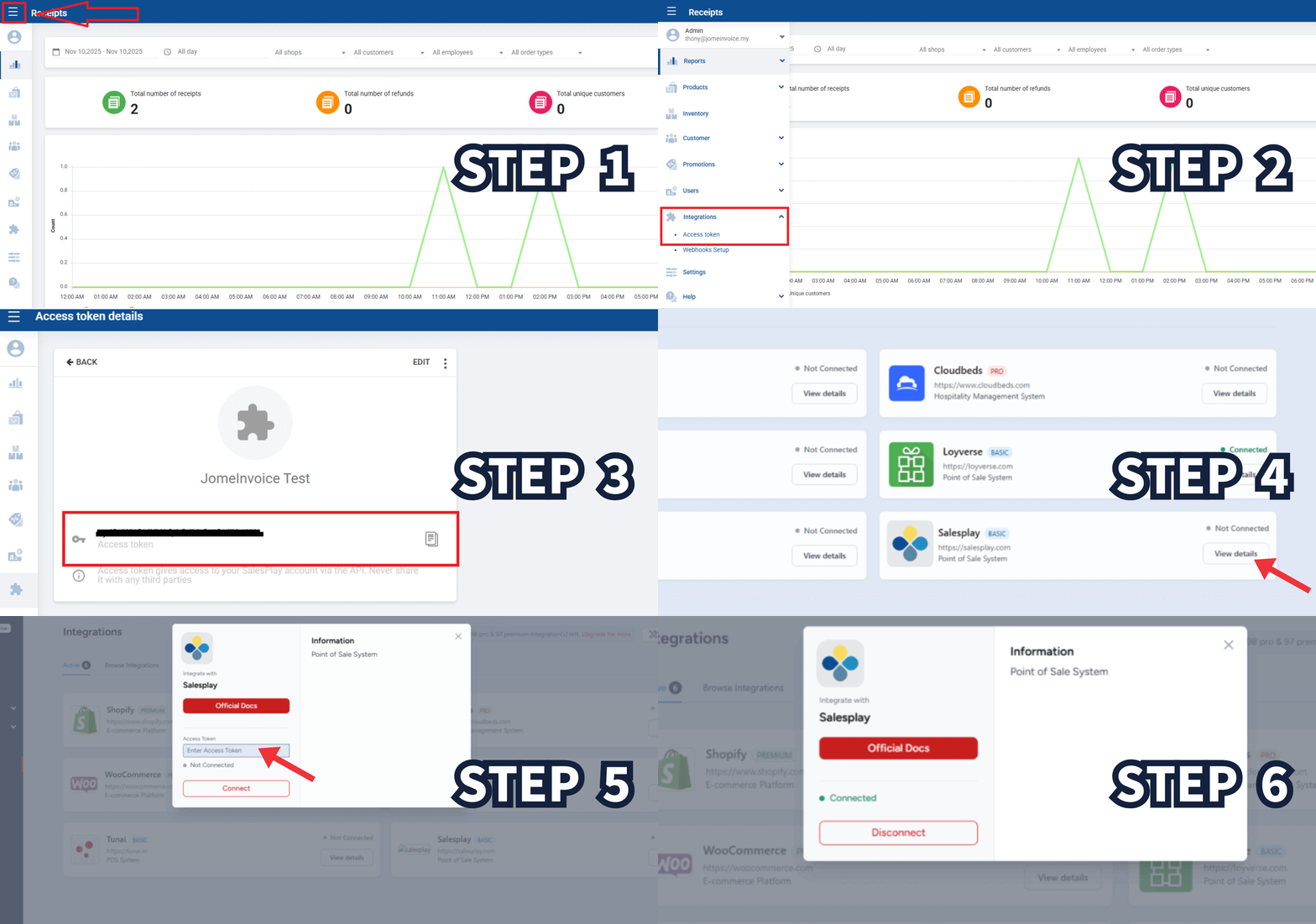
No. The SalesPlay POS e-Invoice integration can be completed in minutes using an access token. No coding or technical expertise is required, and JomeInvoice provides guided onboarding and local support.
Yes. The POS system e-Invoicing solution fully supports self-billing invoices, credit notes, and refund notes, ensuring accurate documentation and compliance for retail transactions.
Setup typically takes less than 10 minutes. Once connected, SalesPlay POS transactions are automatically converted into validated e-Invoices and submitted to LHDN through JomeInvoice.